Need assistance? Call us: 1-800-663-4209



Configuration complete.
Please add to cart to keep it or exit the configuration
Please add to cart to keep it or exit the configuration
Failed to Save Configurations, Click on Configure Button Start Again
Usb Data Acquisition Module
Added to Your Shopping Cart
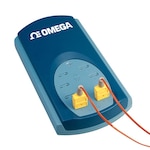
The TC-08 is an 8 channel USB thermocouple data acquisition module. Accepts multiple TC types and has automatic cold junction temperature compensation.
Added to Your Shopping Cart
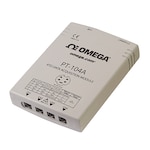
The PT-104A is a 4 channel RTD or voltage input data acquisition module with USB or Ethernet interface. High accuracy and powered by USB or Power over Ethernet (PoE).
Added to Your Shopping Cart
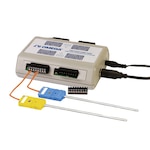
The OM-DAQ-USB-2401 is a thermocouple or voltage input USB data acquisition module. Accepts 8 differential or 16 single ended inputs. 24-bit resolution and 1kS/s.
Added to Your Shopping Cart
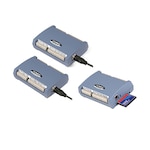
The OM-USB-TC Series have either thermocouple or voltage input options. The OM-USB-5201 has datalogging capability. 24-bit resolution and software programmable TC types.
Added to Your Shopping Cart
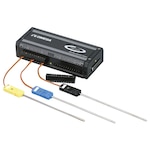
TC and Process Inputs. Low power design requires no external power or batteries. High resolution, high sample rate. Multi device support via USB hubs. Digital calibration

Product Availability by Store Location
Hours